
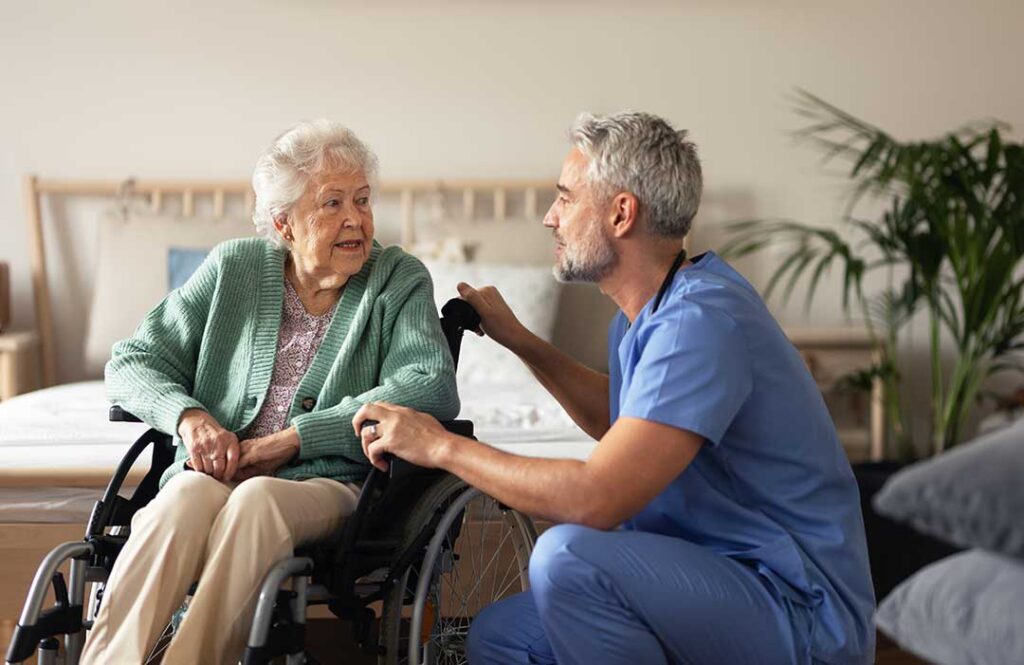
Technology in assisted living is not meant to replace personal care. Its most useful role is to help residents remain safer, more independent, and better connected while giving caregivers timely information about changing needs.
In York, PA, families may notice technology in many forms: emergency call systems, medication reminders, electronic health records, video visits, motion sensors, and tools that help staff respond to falls or changes in daily routines. The value depends less on how advanced a device appears and more on whether it is reliable, understandable, and used with respect for privacy.
What types of technology are commonly used in assisted living?
Assisted living communities may use technology for safety, communication, health monitoring, daily activities, and administrative coordination. Residents may interact with some systems directly, while others operate in the background.
Common examples include:
- Emergency response systems: Pendants, wrist devices, wall buttons, or room-based call systems allow residents to request help.
- Medication support: Electronic reminders, locked dispensers, and medication records help reduce missed or duplicated doses.
- Fall detection: Some systems identify a sudden impact or unusual movement and alert staff. These tools can assist with response but do not detect every fall.
- Electronic care records: Staff can document medication administration, health observations, appointments, and changes in condition.
- Communication tools: Tablets, phones, and video platforms can support conversations with family members and participation in remote appointments.
- Environmental supports: Motion-activated lighting, door alerts, bed sensors, and temperature monitoring may help address specific safety concerns.
- Activity technology: Digital calendars, music systems, games, and programs can support recreation and social engagement.
The same technology may not be appropriate for every resident. A person with hearing loss, limited vision, memory changes, arthritis, or difficulty using touchscreens may need a different design or additional support.
How can technology improve safety?
Technology can improve safety by helping staff recognize a problem sooner and by making assistance easier to request. An emergency call system, for example, may be especially helpful for someone who becomes dizzy, has difficulty standing, or needs help during the night.
Sensors can also provide information about patterns. If a resident who usually walks to meals stops leaving the apartment, staff may notice the change and check on the person. That change could reflect illness, pain, fatigue, depression, or simply a personal choice. Technology provides a signal, but a human response is still necessary.
Fall detection deserves careful explanation. Some devices detect a hard impact, while others identify unusual movement or a prolonged period on the floor. They may fail if the device is removed, the fall is gradual, or the system does not recognize the event. A response plan should never depend on one device alone.
In winter, power interruptions, icy conditions, and changes in daylight can create additional safety concerns for older adults. Backup power, tested communication systems, adequate lighting, and clear emergency procedures matter as much as the technology itself.
Does technology replace caregivers?
No. Technology can support caregivers, but it cannot replace observation, judgment, conversation, or hands-on assistance.
A sensor may indicate that someone has not opened a door. It cannot determine whether the resident is sleeping, feeling unwell, visiting another area, or choosing not to respond. A medication system may record that a dose was offered, but staff still need to understand whether the resident can swallow it safely or whether a new side effect is appearing.
The strongest approach combines digital information with regular personal contact. Caregivers should continue checking on residents, listening to concerns, watching for changes in appearance or behavior, and documenting meaningful observations.
Families may wish to ask how technology fits into the care process:
- Who receives an alert?
- How quickly is it reviewed?
- What happens if the system stops working?
- Is there a backup procedure?
- Are residents told when monitoring is being used?
- How are false alarms handled?
- Does the system track location, movement, or conversations?
Clear answers help families understand whether a tool is genuinely supportive or simply creates more information without improving care.
Can technology help residents stay independent?
Yes, when it is matched to the resident’s abilities and preferences. Technology may allow a person to complete more tasks without immediate assistance.
Examples include a large-button phone, voice-controlled lighting, automated reminders, digital calendars, and transportation or appointment notifications. A resident may also use a tablet to read, listen to music, participate in a faith service, or maintain contact with family members.
Independence does not mean doing everything alone. It means having appropriate choices and support. A reminder that helps someone attend an activity independently can be beneficial. A complicated system that causes frustration or repeated errors may have the opposite effect.
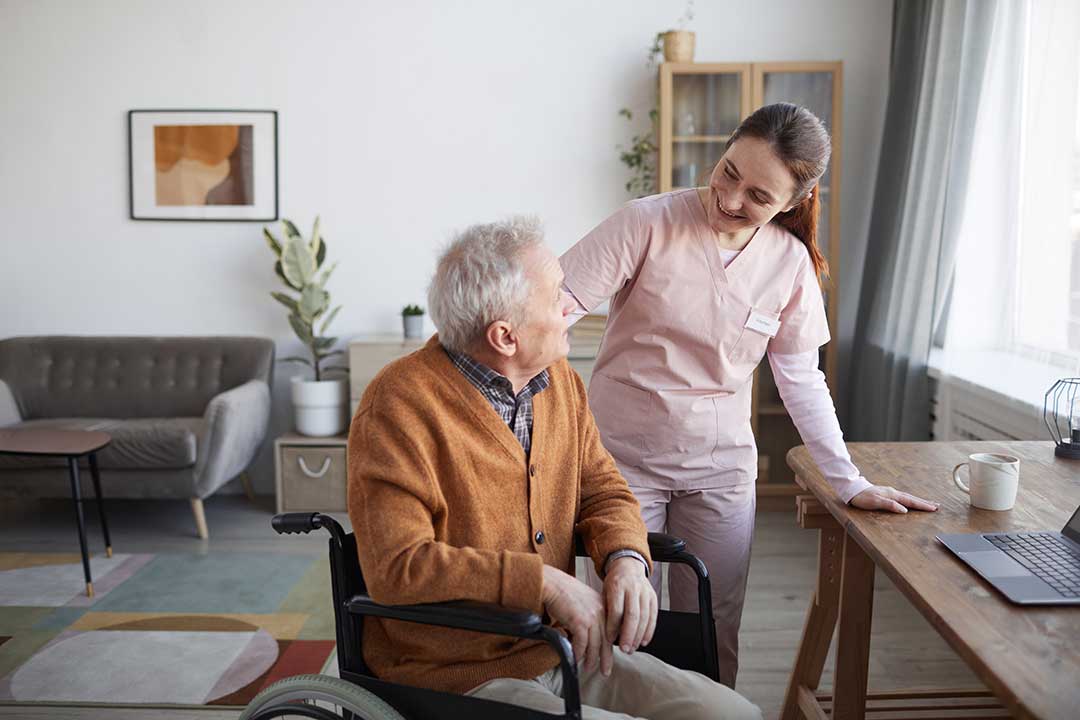
Simple design is often more valuable than advanced features. Large text, clear audio, strong contrast, limited menus, and consistent instructions can make a system easier to use. Staff training and patience are also essential, especially when memory or vision changes are involved.
How does technology affect privacy?
Technology can involve sensitive information, including health details, medication records, location data, and video communication. Residents and families should understand what information is collected, who can access it, and how long it is retained.
Privacy questions are especially relevant when cameras, microphones, door sensors, or location-tracking devices are involved. A safety tool may be appropriate in one setting but feel intrusive in another. Residents should receive understandable explanations and, when possible, participate in decisions about monitoring.
Technology should not be used casually as a substitute for supervision. It should have a clear purpose, limits, and review process. Staff should also protect passwords, secure devices, and avoid discussing private health information where others can overhear.
What should families consider before accepting a technology-based system?
Families can evaluate technology by asking whether it solves a specific problem and whether the resident can use it comfortably.
Useful questions include:
- Is the system easy to operate during an emergency?
- Does it work throughout the residence, including outdoor or common areas?
- What happens during a power or internet outage?
- Is the device waterproof if it is worn in the shower?
- Does the resident need to charge it?
- Can hearing aids, glasses, mobility devices, or other equipment affect its use?
- Who explains the system to the resident?
- How often is it tested?
- Are there additional fees or replacement costs?
- Can the resident decline a feature without losing unrelated support?
A technology plan should also account for changing needs. A device that works well today may become difficult to use after a stroke, vision change, cognitive decline, or reduced hand strength. Regular review is more useful than assuming the original setup will remain suitable.
How can technology support family involvement?
Digital communication can help families remain involved when distance, work schedules, transportation, or winter weather make frequent visits difficult. Video calls, shared calendars, secure messages, and electronic updates may help relatives participate in care discussions and important decisions.
However, digital contact should complement personal connection rather than replace it. Some residents prefer telephone calls, handwritten notes, printed photos, or in-person visits. Others may need help answering a call or adjusting the volume.
The best use of technology is practical and person-centered: helping residents request assistance, maintain relationships, participate in daily life, and receive care that is coordinated without making them feel constantly watched.
